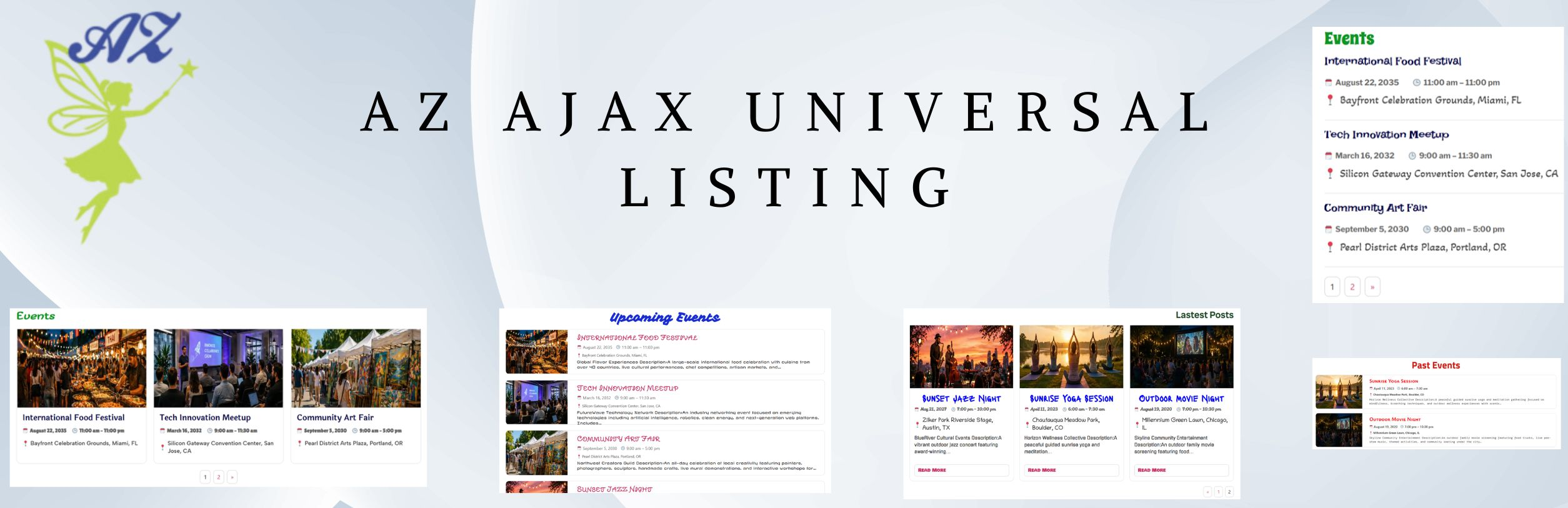
Build flexible AJAX-powered WordPress listings with filtering, pagination, and responsive Elementor controls.
AZ Ajax Universal Listing was created to make larger collections of WordPress content easier to browse and navigate. Instead of repeatedly reloading an entire page, visitors can move through listings with AJAX pagination, optional filtering, and flexible layouts configured directly in Elementor.
The plugin helps site owners organize posts and supported event content into listings that are easier for visitors to scan, filter, and navigate across desktop, tablet, and mobile.
✓ Elementor Free compatible — no Pro required
✓ AJAX number pagination
✓ Optional filtering controls
✓ Cards, List, and Minimal layouts
✓ Responsive Elementor settings
Setup & Effect Demonstrations
Core Features
Flexible listings with AJAX-powered navigation
AJAX number pagination
Navigate through listing pages without reloading the entire page, helping visitors move through larger content sets more smoothly.
Optional filtering
Add filtering controls to help visitors narrow displayed content based on the options available in the listing configuration.
Multiple layout templates
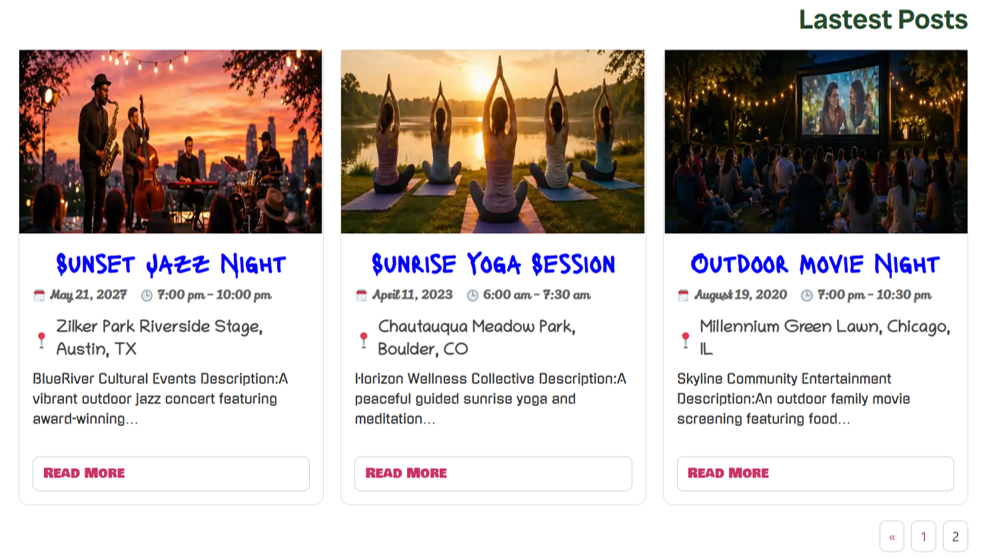
Choose from Cards, List, and Minimal layouts to present content in different visual styles.
Responsive Elementor controls
Adjust layout and display settings for desktop, tablet, and mobile directly through Elementor.
Elementor Free compatible
Build and configure listings directly in Elementor Free. Elementor Pro is not required.
Post and event support
Display WordPress posts and supported event content through a unified listing workflow, including event-aware Previous/Next navigation where supported.
LISTING LAYOUT & CONTROLS
Choose how content is displayed and navigated
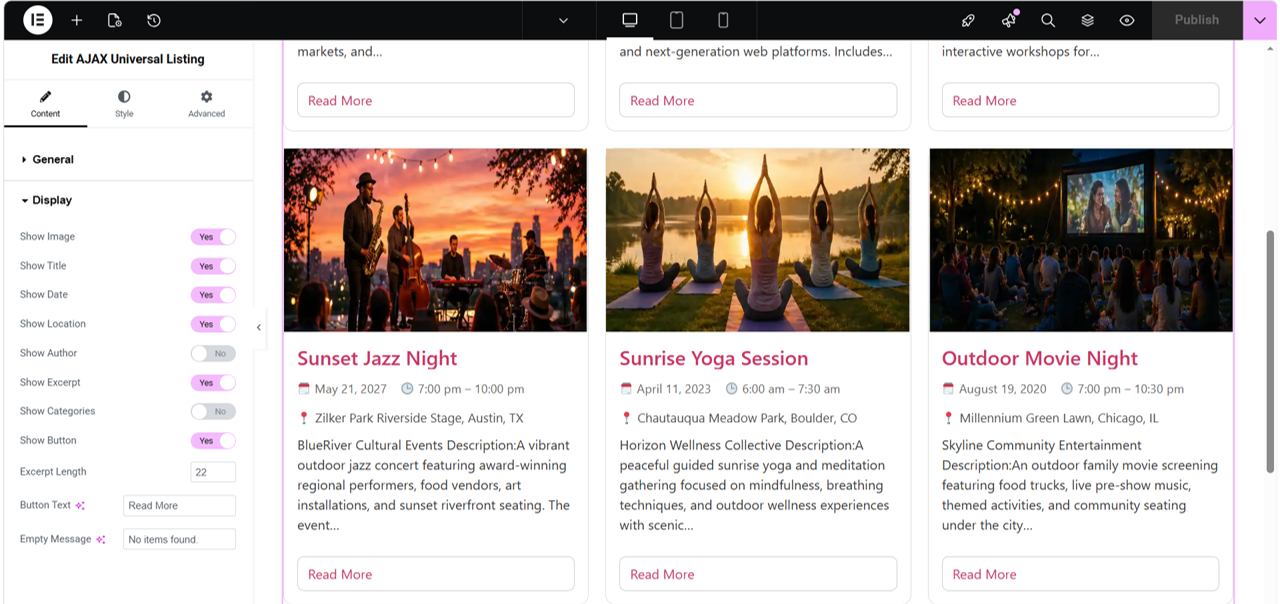
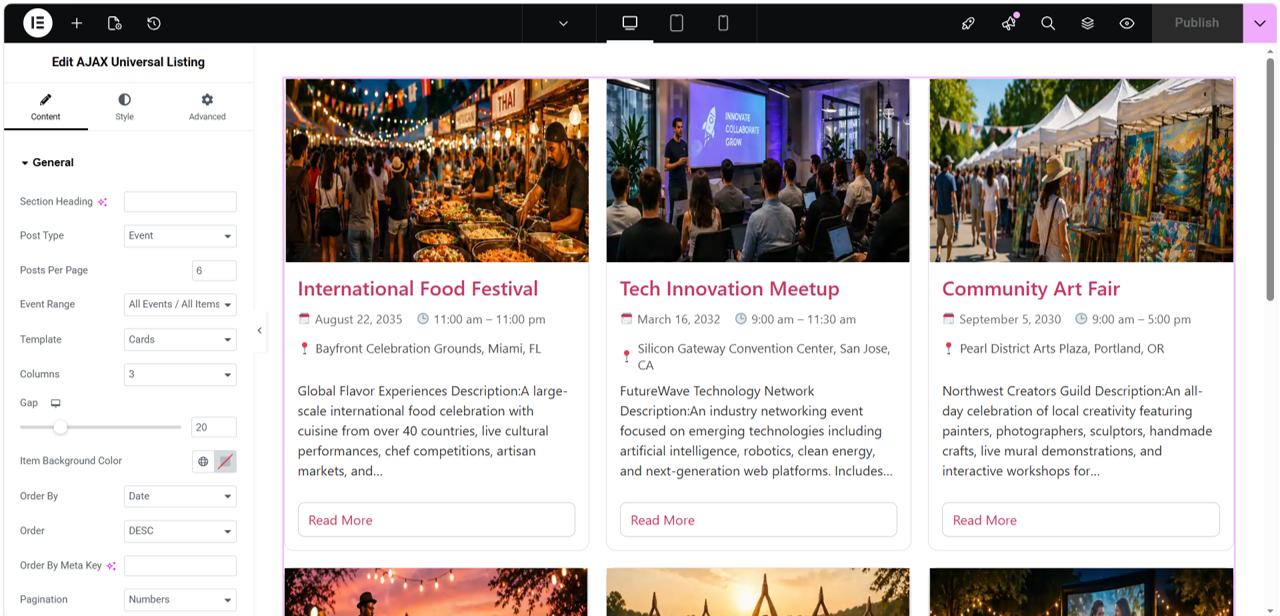
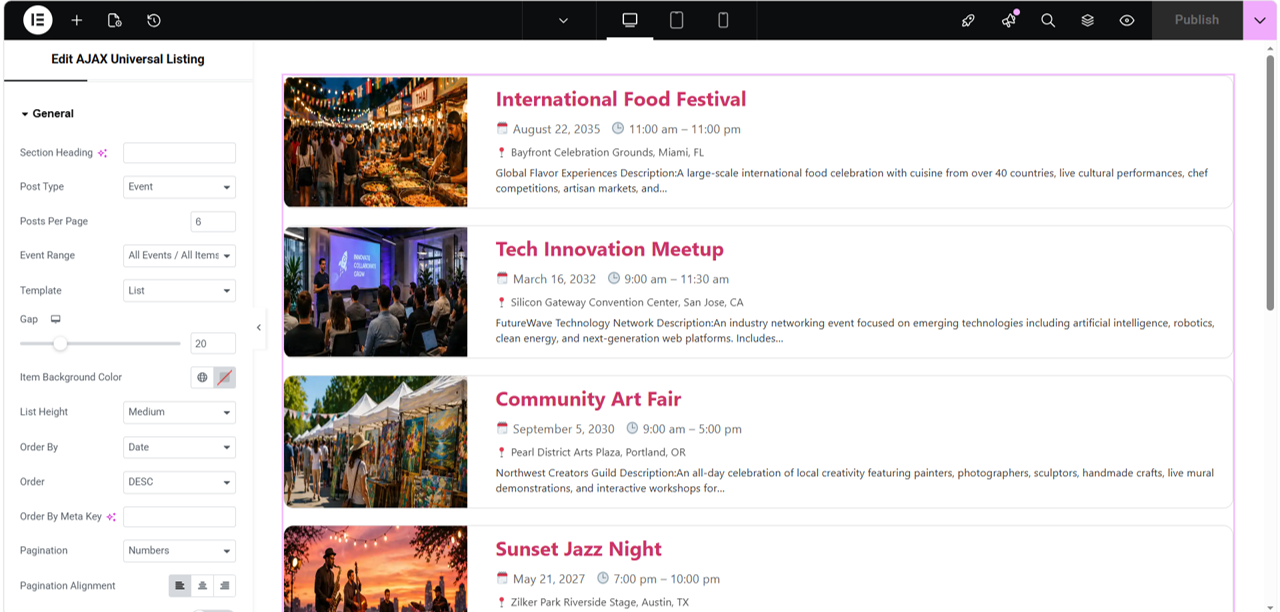
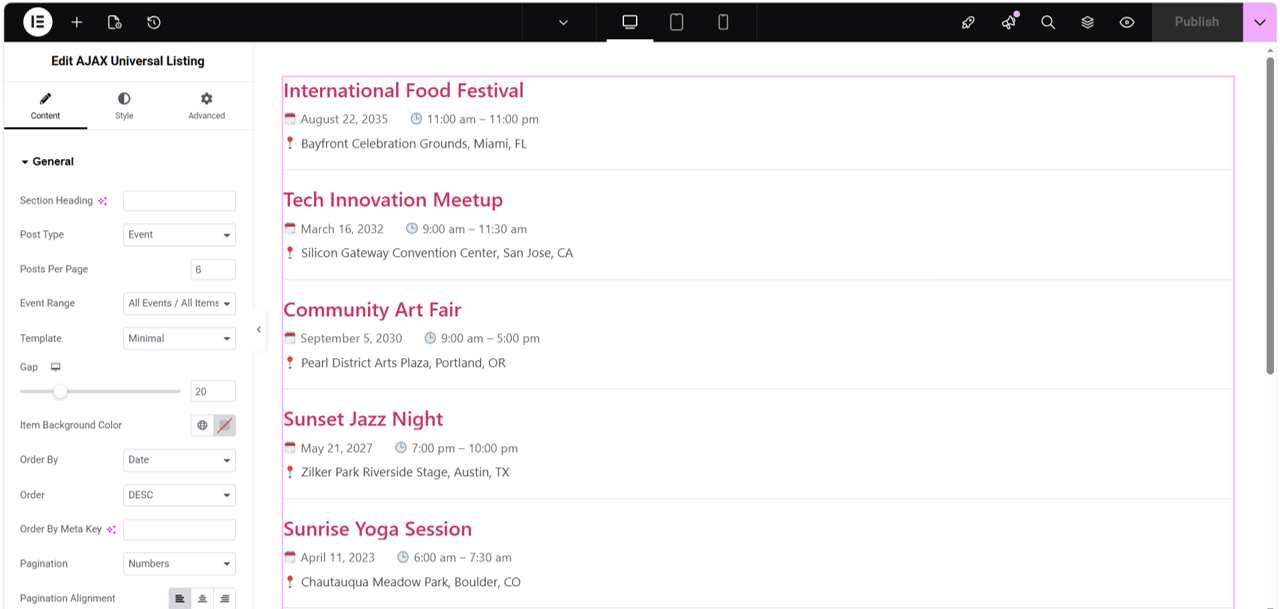
Configure the listing directly in Elementor, choose the content source and layout style, and adjust pagination, filtering, and responsive display options to fit the page.
✓ Cards, List, or Minimal layout
✓ Items displayed per page
✓ AJAX number pagination
✓ Optional filtering controls
✓ Desktop, tablet, and mobile settings
✓ Supported post and event content
Flexible presentation in Elementor
Use the available layout templates to control how listing items are presented, then adjust the Elementor settings for spacing, responsive behavior, and other display options.
AJAX navigation allows visitors to move through listing pages without a full-page reload, while optional filtering can help narrow the displayed content.
Elementor Pro is not required. AZ Ajax Universal Listing can be configured directly with Elementor Free.
QUICK START
Build your first AJAX listing
AZ Ajax Universal Listing is configured directly inside Elementor. Choose the content source, select a layout, enable pagination or filtering as needed, and adjust the responsive settings for your page.
1
Install and activate the plugin. Install AZ Ajax Universal Listing from WordPress.org and activate it in WordPress.
2
Open a page in Elementor. Edit an existing page or create a new one, then open it with Elementor.
3
Add the AZ Ajax Universal Listing widget. Drag the widget into the page where you want the listing to appear.
4
Choose the content and layout. Select the supported post or event content you want to display, then choose Cards, List, or Minimal layout.
5
Configure pagination, filtering, and responsive settings. Set the number of items per page, enable AJAX number pagination or optional filtering when needed, and adjust desktop, tablet, and mobile controls.
6
Preview and publish. Test the listing, pagination, filtering, and responsive behavior, then publish the page.
PRIVACY
Listing content stays within your WordPress environment.
No AZinvent account required
AZ Ajax Universal Listing is designed to work without requiring users to create an AZinvent account or provide personal information to AZinvent.
Content is managed in WordPress
Listing content, filtering options, layout settings, and other widget configuration are created and managed through your WordPress and Elementor environment.
No advertising or general analytics SDKs
AZ Ajax Universal Listing does not include advertising SDKs or general-purpose analytics or telemetry SDKs.
Linked content remains under site control
The plugin displays and navigates content configured by the site owner. Any external links included in posts or event content lead to destinations selected by the website administrator and may have their own privacy practices.
Designed to fit naturally into Elementor workflows.
AZ Ajax Universal Listing is designed for use directly inside Elementor and works with Elementor Free. Elementor Pro is not required.
Listing controls are available through the widget settings, allowing site owners to configure content sources, layout templates, AJAX pagination, filtering, and responsive behavior within the normal Elementor editing workflow.
Built for practical compatibility
✓ Elementor Free compatible — no Pro required
✓ Works with standard WordPress post content
✓ Supports compatible event content
✓ Cards, List, and Minimal layouts
✓ Responsive desktop, tablet, and mobile controls
✓ AJAX pagination and optional filtering
ABOUT AZINVENT
Technology built around practical problems
AZinvent develops software across assistive communication, financial research, and tools for presenting and navigating information online. Each project starts with a specific need and turns it into a focused technological solution.
The products are different, but the underlying idea is the same: technology is most meaningful when it helps solve a real problem for the people using it.