WORDPRESS PLUGIN

Available on WordPress.org

AZ Radial Image Ring Gallery for Elementor

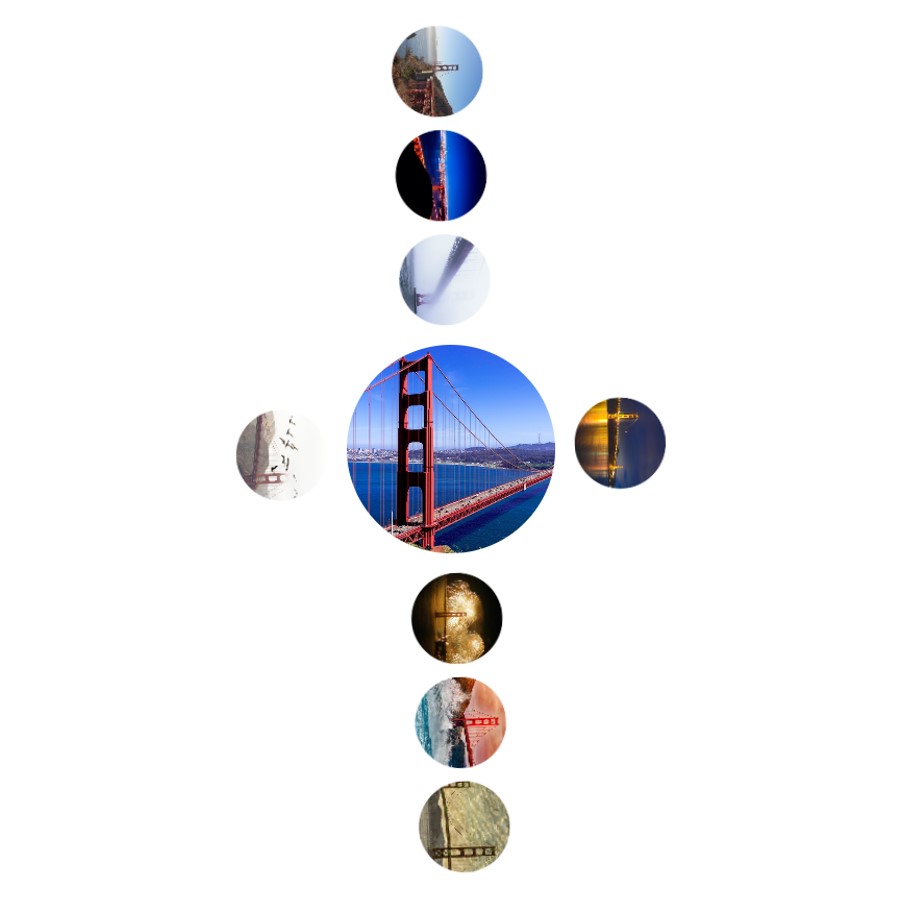
Create interactive radial image galleries for Elementor with images arranged around a central visual.

The plugin was created to provide a more flexible way to present visual collections when a conventional grid or slideshow is not the best fit. It combines multiple radial rings, independent rotation controls, captions, hover effects, and custom links while remaining compatible with Elementor Free.

A different way to present visual information

Arrange images around a central focal point to show products, places, portfolios, collections, or other visual information in a layout that emphasizes relationships and exploration rather than a standard rectangular grid.

✓ Multiple radial image rings

✓ Independent rotation controls

✓ Captions, hover effects, and custom links

✓ Responsive and mobile-friendly

Setup & Effect Demonstrations

Core Features

Built for flexible, interactive radial galleries

Multiple radial rings

Create circular galleries with multiple rings of images arranged around a central visual.

Independent rotation controls

Control the rotation behavior of individual rings to create layered and dynamic gallery presentations.

Captions and hover effects

Add captions and hover effects to give visitors more context and visual feedback as they explore the gallery.

Custom image links

Assign custom links to gallery images so individual items can lead visitors to pages, products, destinations, or other content.

Elementor Free compatible

Build and configure radial galleries directly in Elementor without requiring Elementor Pro.

Responsive and mobile-friendly

Create layouts designed to adapt across desktop, tablet, and mobile screens.

GALLERY DESIGN

Create radial layouts around a central image

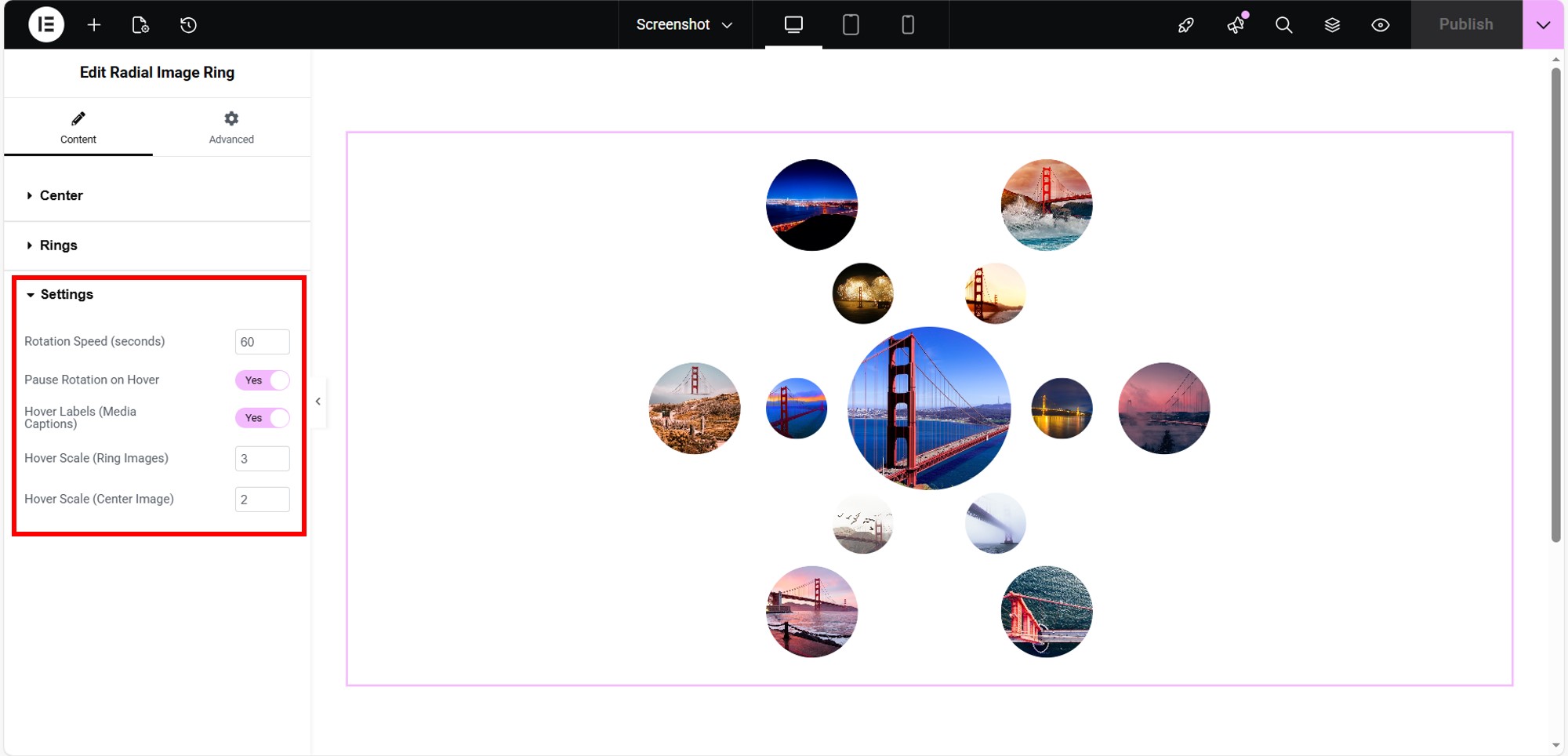
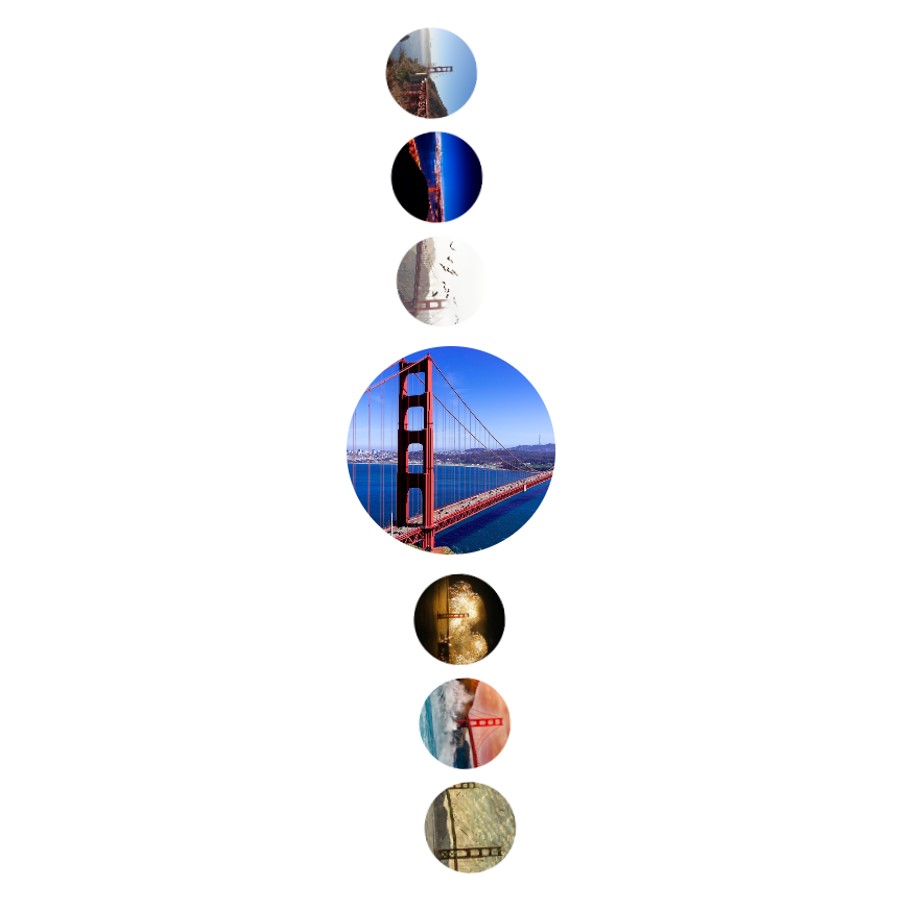
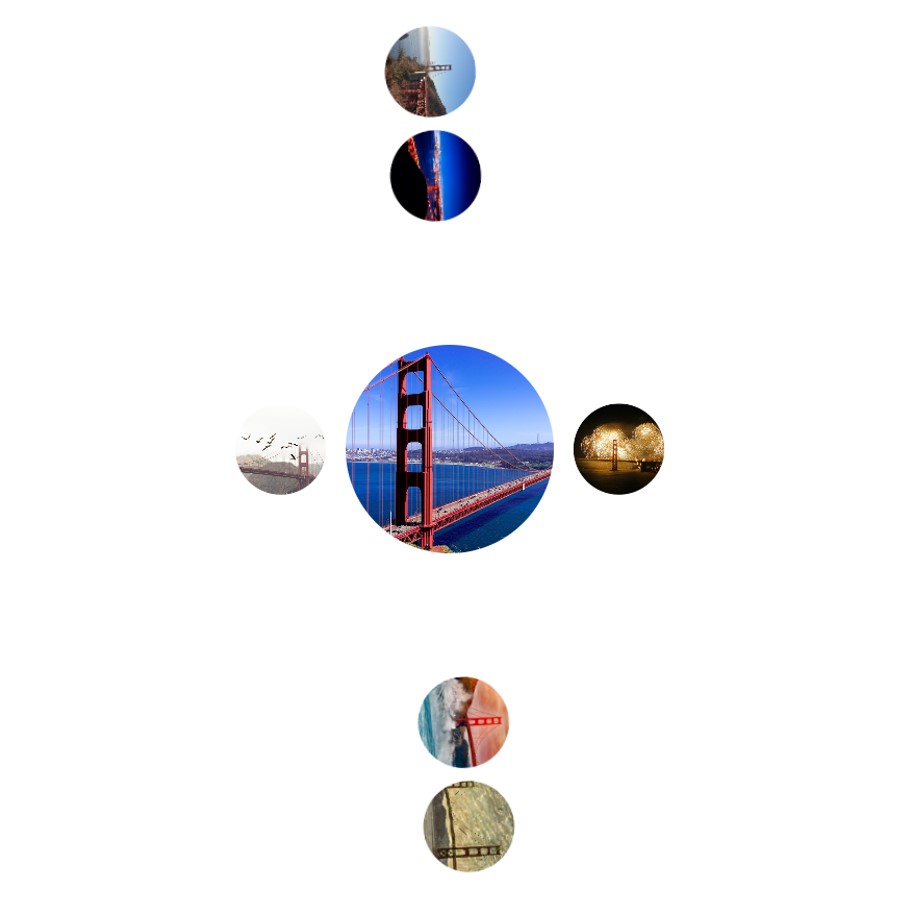
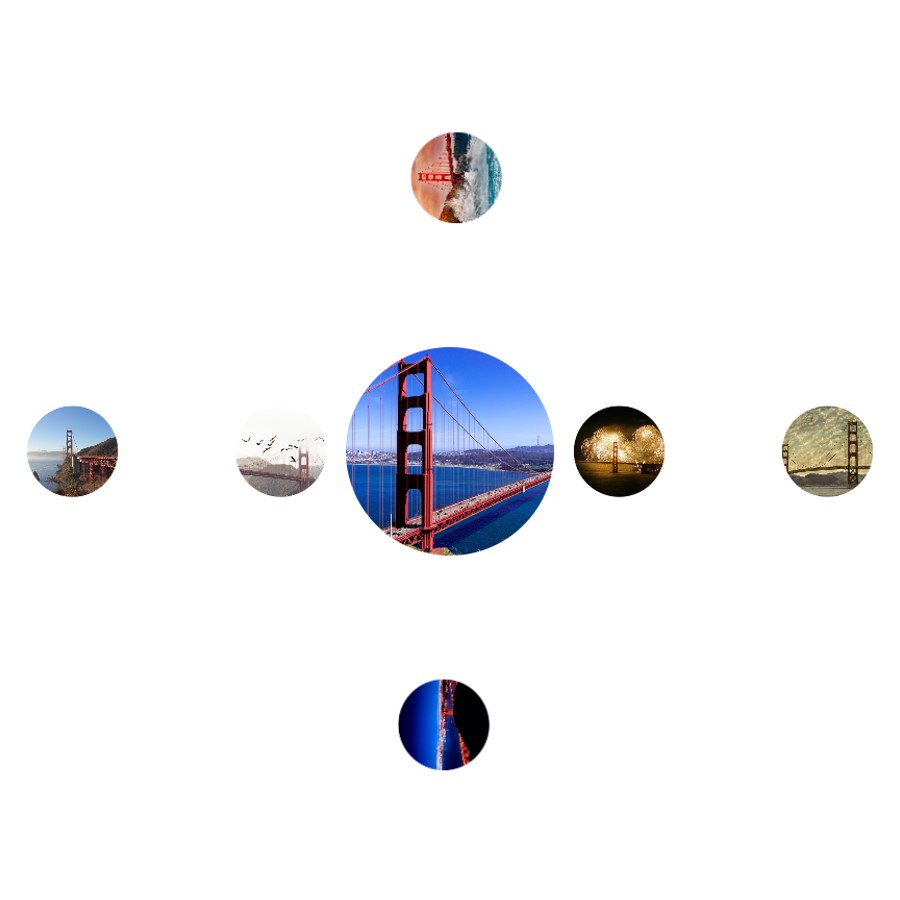
Start with a central image, then arrange additional images in one or more surrounding rings. Each ring can be configured independently to create simple or more layered gallery layouts.

✓ Central image
✓ Multiple image rings
✓ Ring radius and image size
✓ Independent rotation direction
✓ Captions and hover effects
✓ Custom links for individual images

Flexible visual arrangements

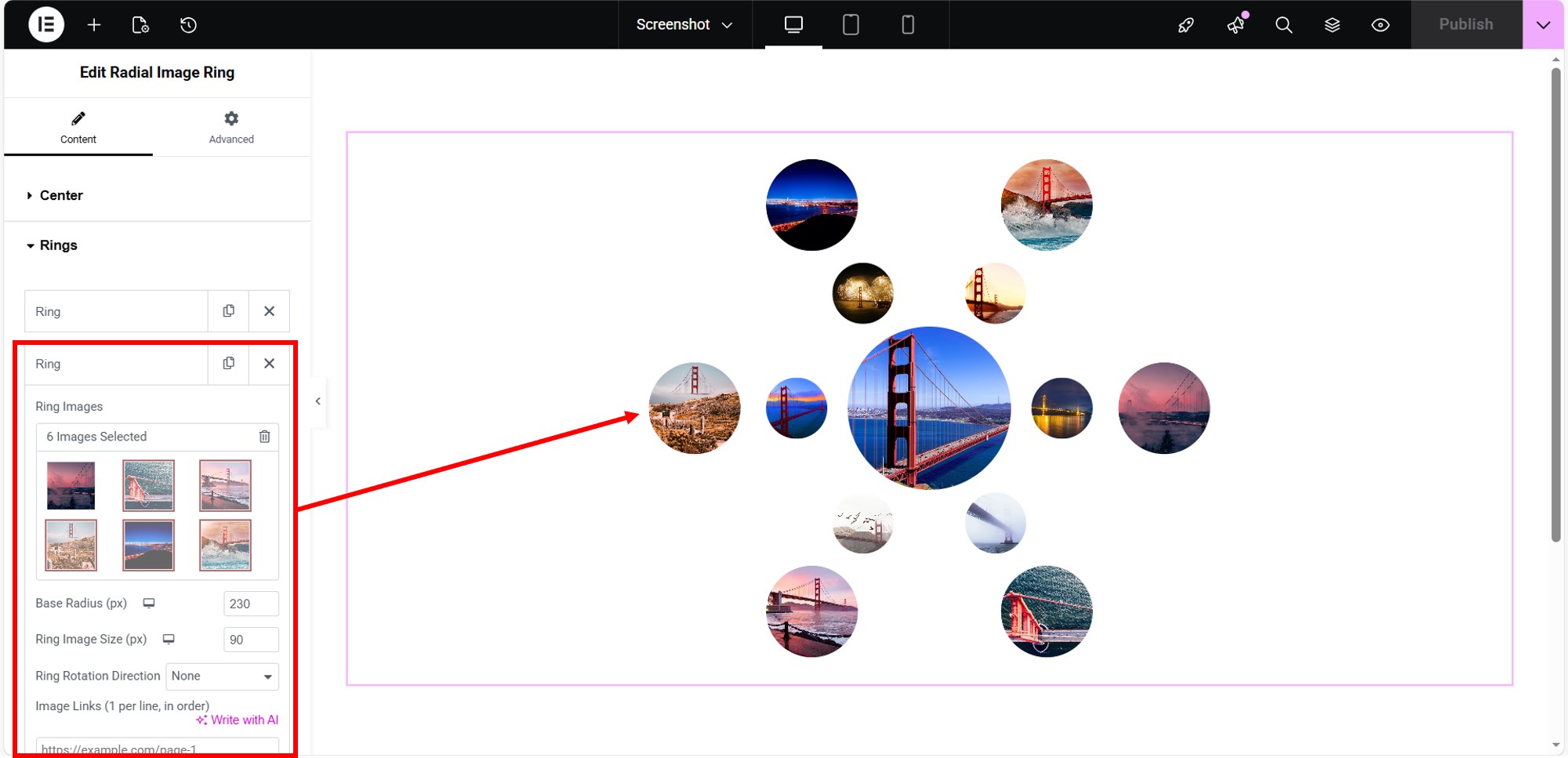
Each ring can contain its own set of images and settings, allowing different sizes, spacing, and rotation behavior within the same gallery.

Use a simple single-ring layout or combine multiple rings to build more elaborate visual compositions while keeping the gallery inside the Elementor editing workflow.

Built for Elementor Free. The gallery widget can be configured directly in Elementor without requiring Elementor Pro.

QUICK START

Build your first radial gallery

AZ Radial Image Ring Gallery for Elementor is configured directly inside the Elementor editor. Add the widget, choose a center image, create one or more image rings, and adjust the layout and effects to fit your page.

1

Install and activate the plugin. Install AZ Radial Image Ring Gallery for Elementor from WordPress.org and activate it in WordPress.

2

Open a page in Elementor. Edit an existing page or create a new one, then open it with Elementor.

3

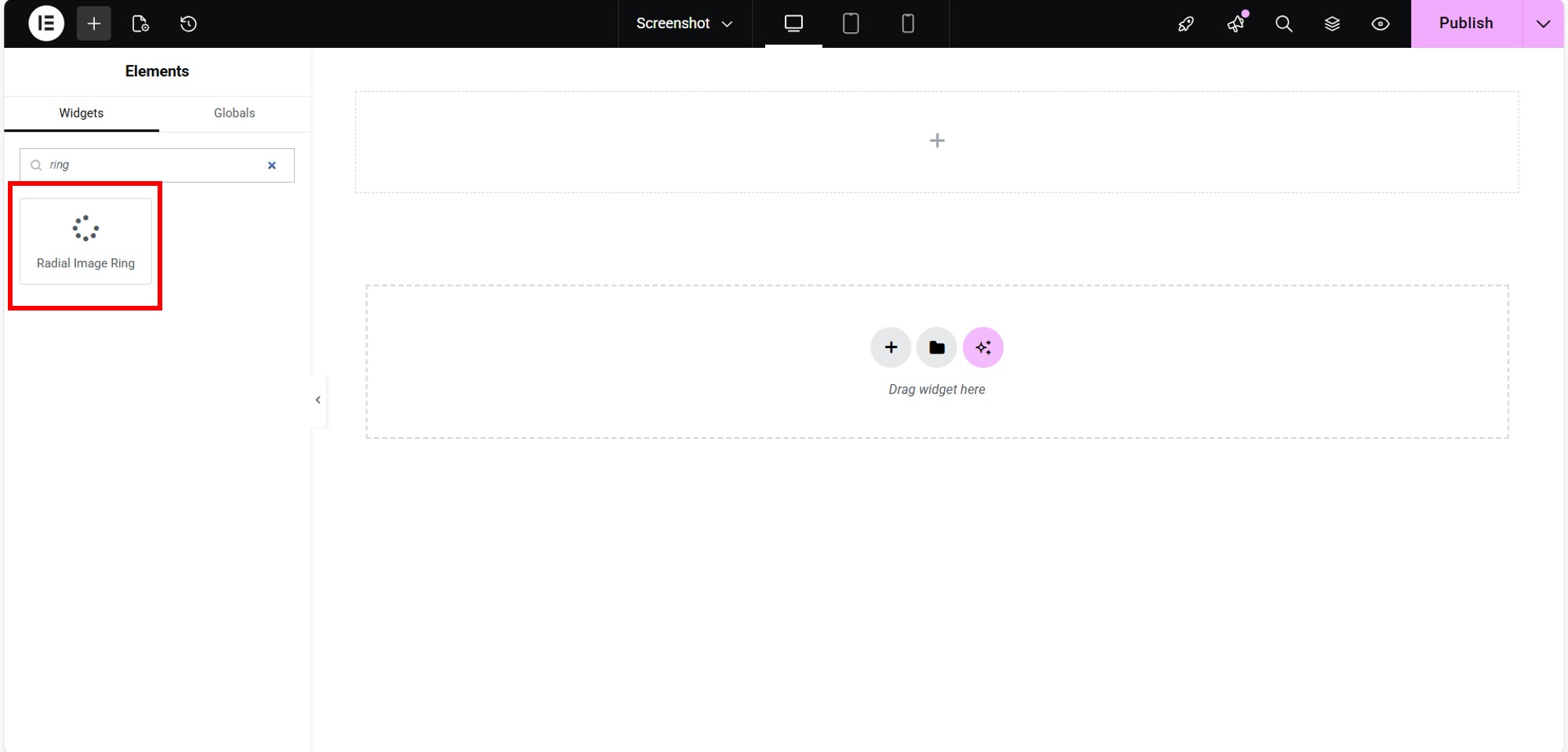
Add the Radial Image Ring widget. Drag the Radial Image Ring widget into the location where you want the gallery to appear.

4

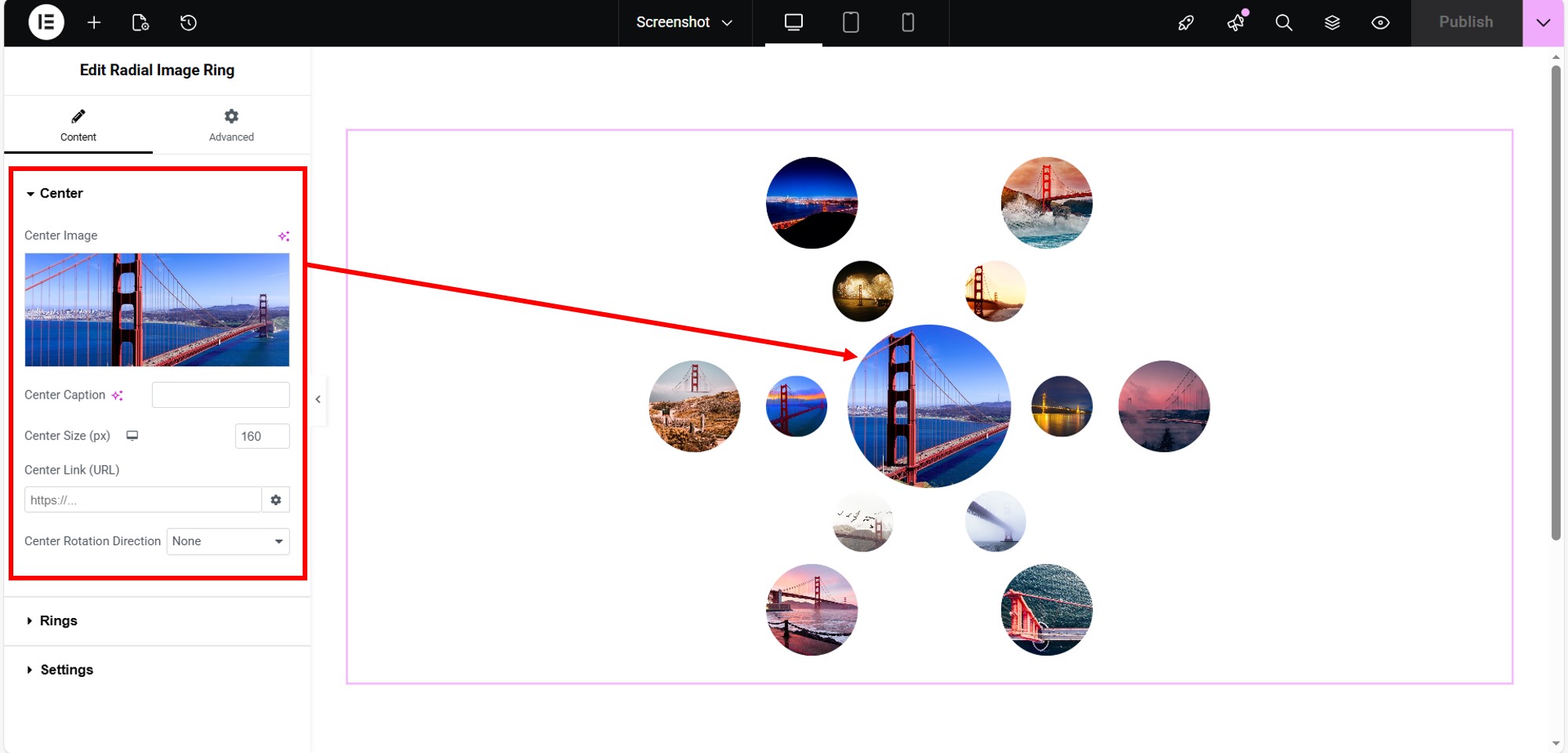
Choose the center image and ring images. Select the central image, then add the images you want to arrange in one or more surrounding rings.

5

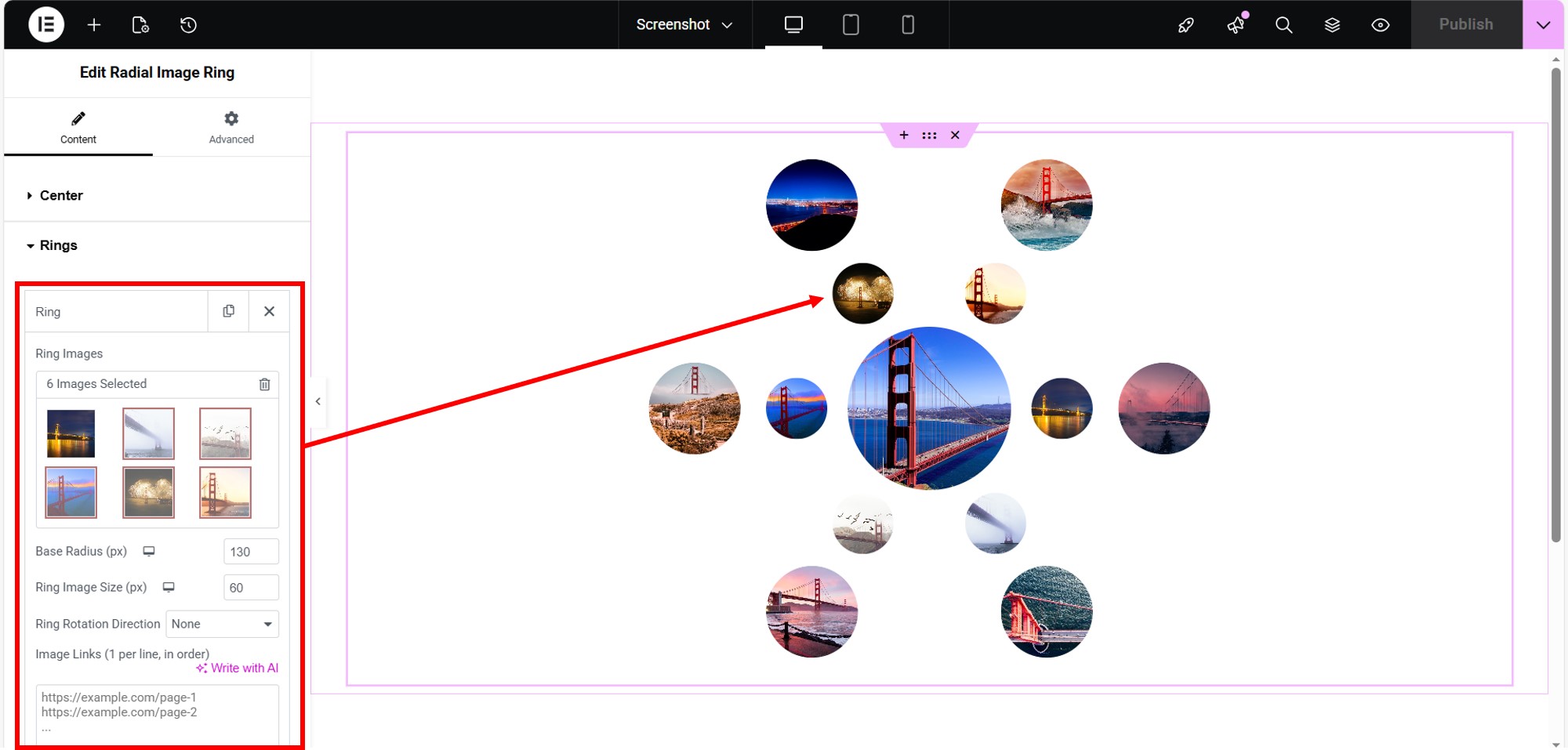
Adjust the gallery design. Configure settings such as ring radius, image size, rotation direction, captions, hover effects, and custom image links.

6

Preview and publish. Check the gallery on desktop, tablet, and mobile, make any responsive adjustments you want, and publish the page.

PRIVACY

Gallery content stays on your WordPress site

No AZinvent account required

The plugin is designed to work without requiring users to create an AZinvent account or provide personal information to AZinvent.

Gallery content is managed in WordPress

Images, captions, links, and gallery settings are created and managed through your WordPress and Elementor environment.

No advertising or analytics SDKs

AZ Radial Image Ring Gallery does not include advertising SDKs or general-purpose analytics/telemetry SDKs.

External links remain user-controlled

If you add custom links to gallery images, those links open the destinations you choose. Any external website has its own privacy practices and policies.

COMPATIBILITY & SUPPORT

Designed to work naturally with Elementor.

AZ Radial Image Ring Gallery for Elementor is designed for use in the Elementor editor and does not require Elementor Pro.

Gallery controls are available directly in the widget settings, so center images, rings, image sizes, rotation behavior, captions, links, and responsive presentation can be configured as part of the normal Elementor workflow.

Built for practical compatibility

✓ Elementor Free compatible

✓ Responsive desktop, tablet, and mobile controls

✓ Works with standard WordPress media images

✓ Custom links for individual gallery images

✓ No separate AZinvent account required

✓ Support and updates through the plugin’s product resources

ABOUT AZINVENT

Technology built around practical problems

AZinvent develops software across assistive communication, financial research, and tools for presenting and navigating information online. Each project starts with a specific need and turns it into a focused technological solution.

The products are different, but the underlying idea is the same: technology is most meaningful when it helps solve a real problem for the people using it.

Different problems, one approach

Accessibility — tools that can make communication easier and more user-controlled

Financial research — tools that make information gathering and analysis workflows more efficient

Information & learning — tools that make information easier to present, organize, explore, and navigate

Scroll to Top